



WBetz App: Mobile Casino Access for iOS & Android
The WBetz app runs the full casino on your phone, and there is nothing to download from an app store to get it. It works as a progressive web application, which means a tap on the home-screen icon opens the platform just like a normal app would. The game lobby, the wallet and your account all work the same as on desktop, and setting it up takes under a minute on iOS and Android.



What Features Does the WBetz Mobile Platform Offer?
Playing on a phone is not a cut-down version of the desktop site. The mobile casino carries the same catalog, the same account tools, and the same promotion calendar, only reshaped for a touch screen and a smaller display. A few practical differences separate the two formats, and the table below sets them side by side.
| Aspect | WBetz app | Desktop |
| Access | One tap from the home screen icon | Opens through a browser tab |
| Storage | Under a megabyte for the shortcut | Nothing to install at all |
| Slots | Portrait mode suits one-thumb spins | Wide layout shows more of the reels |
| Live tables | Compact stream, ready anywhere | Larger frame for reading the dealer |
| Updates | Applied on their own at each launch | Handled by the browser |
Neither format locks anything away. Online slots feel natural in portrait mode, where a single thumb handles the spin, while live dealer rooms are easier to read on the wider desktop screen. The choice comes down to where you happen to be rather than what you can reach.
What is PWA?
A progressive web application is a website built to behave like an installed program. Instead of a package from an app store, the WBetz app adds a shortcut straight from the browser, and that shortcut opens the platform in its own full-screen window with no address bar in the way.
The format brings a few clear advantages over a normal download. It takes up almost no space on the device, since the shortcut points back to the live site rather than storing the whole app locally. There is no APK file to source from an outside host, so the security risks tied to unknown downloads simply do not apply. Updates also install on their own each time the app opens, so the version in your pocket always matches the current site.
How to Access WBetz Casino on iOS
On an iPhone or iPad, the WBetz app installs through Safari without any App Store involvement. The steps take only a moment.
- Open the official WBetz Casino website in Safari
- Tap the Share button, the square with an arrow pointing up
- Scroll down the menu and select Add to Home Screen
- Adjust the shortcut name if you like, then confirm with Add
The icon appears on the home screen right away, and a single tap opens the platform in a clean full-screen view. Safari keeps your saved passwords and Face ID active, so returning to the account takes one confirmation rather than a full sign-in.
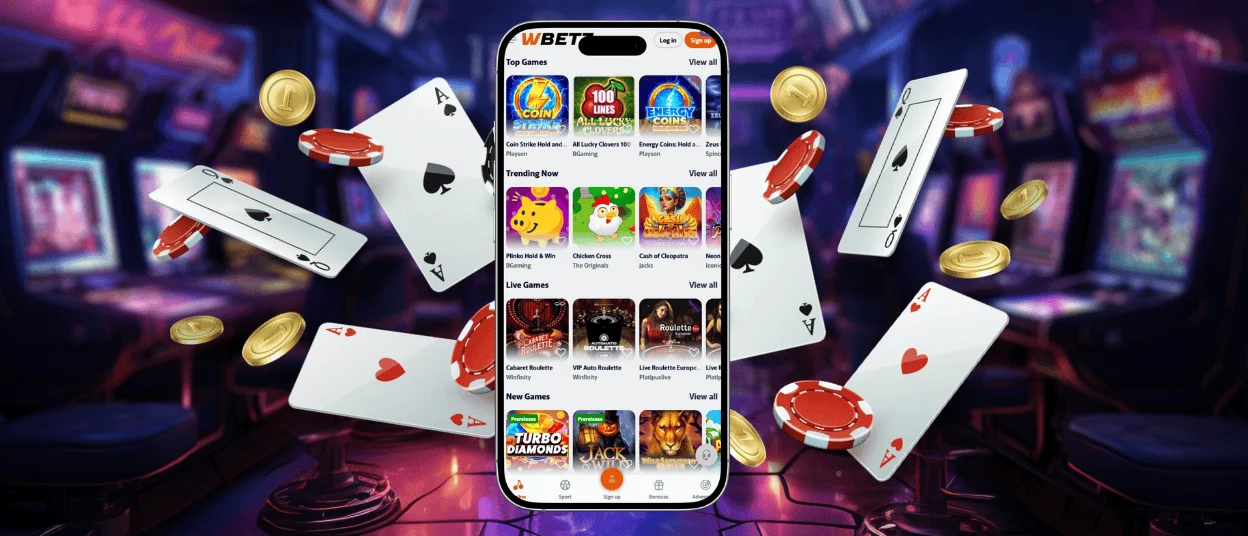
W Betz Casino Application on Android Devices
Android follows a similar path through Chrome. Open the WBetz site in the browser, tap the three-dot menu beside the address bar, and choose Add to home screen followed by Add. The shortcut lands in the app drawer, and from there it can be dragged onto the home screen like any other icon.
We install nothing through third-party APK files, and for good reason. A shortcut created from the official site avoids the security risks that come with packages hosted elsewhere while still giving you the full platform. Google Pay is one of the supported deposit options on Android, which keeps funding a session quick from the same device.
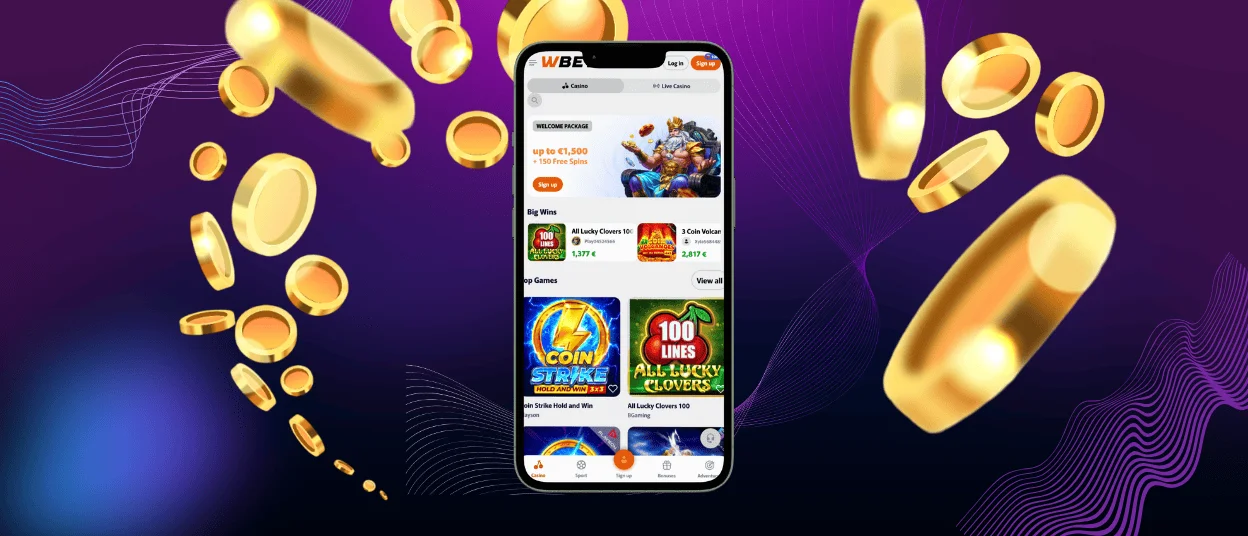
Play W Betz on Windows and macOS
A larger screen has its own appeal, and the same PWA format works on desktop too. In Chrome on Windows or macOS, open the site, then use the three-dot menu under Cast, save, and share to reach Create shortcut. Naming it and confirming places an icon on the desktop that launches W Betz in its own window, separate from your everyday browser tabs.
That separation keeps a gaming session away from your open work tabs, and it supports steadier habits, since the platform opens only when you choose the icon on purpose. The desktop layout stretches to fill wide monitors, which gives live dealer tables and the betting interface more room to work with.
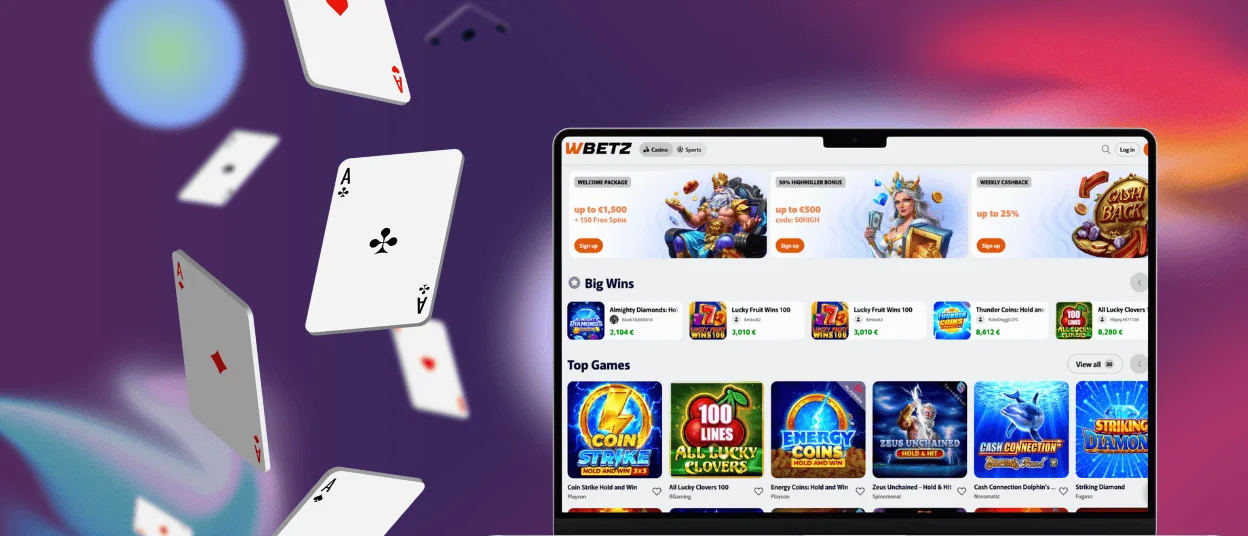
WBetz Mobile Compatibility and Performance Tips
The app runs on almost any modern phone, tablet or computer, because the demands fall on the browser rather than the hardware. Connection quality matters more than processor power, especially during live streams, where a stable Wi-Fi signal or a strong mobile network keeps the video steady. Keeping the browser and operating system up to date also helps, since newer versions handle the PWA format and biometric login more smoothly.
| Device | Recommended browser | Recommended OS version | Connection |
| Android phone / tablet | Chrome | Android 8 or later | Wi-Fi or 5G |
| iPhone / iPad | Safari | iOS 14 or later | Wi-Fi or 5G |
| Windows PC | Chrome or Edge | Windows 10 or later | Any stable link |
| Mac | Chrome or Safari | macOS 11 or later | Any stable link |
On tablets, the extra screen space makes the game lobby easier to navigate and gives the live dealer interface more room. Whichever device you pick, the account stays in sync, so a session paused on a phone picks back up on a laptop without a single setting to adjust.
FAQ
Do I need a separate account for the WBetz app?
No, the app and the desktop site share one profile, so the credentials created at registration work everywhere. The balance, active bonuses and settings stay tied to that single account across every device. Switching between a phone and a computer needs no second sign-up and no re-entry of details.
Can I complete the verification process from my phone?
Yes, and many members find it easier there. Photographing an ID and proof of address with the phone camera skips the step of moving files to a computer first, and the documents upload straight through the account area. Our Support Team is available via live chat at all times in case any file needs a second look.
Does the app work without an internet connection?
The WBetz app needs a live connection to load games and process any real-money action since it links back to the site in real time. Its built-in caching does help the interface reload faster and cope better with a brief drop in signal. For a smooth gaming experience, a steady Wi-Fi or mobile connection is the reliable choice.


